
Searching for a Warrant in Pima County
Begin with the Arizona DPS Warrant Search. Fill in first name, last name, and date of birth. DPS returns up to five leads and warns that its court-reported data is neither real time nor complete. Move next to Arizona Public Access, which searches participating courts by name or case number. A hit can point to the court and a case event, but it is not the official record. If the issuing court is still unclear, Pima Pretrial Services runs a free phone check at 520-724-3310. Then call the Superior, Justice, municipal, or magistrate court involved and ask whether the warrant remains active and what the current order requires.
- Collect the correct full name and date of birth.
- Check DPS and Public Access without treating either as final.
- Use the Justice or city case portal when the court is known.
- Call Pretrial Services when several jurisdictions may be involved.
- Confirm status and obtain records from the issuing clerk.
Pima County Warrant Lookup Fields
DPS has the simplest statewide form. First name, last name, and date of birth are all required. A matching name and birth date can still describe more than one person in Pima County. A blank result never proves that no warrant exists.
| Field label | Type | Required | Use |
|---|---|---|---|
| First Name | Text | Yes | Use the court-file spelling |
| Last Name | Text | Yes | Required surname field |
| DOB | Date | Yes | Narrows similar names |
| Apply | Action | Yes | Returns at most five leads |
The official DPS interface provides the blank search form.
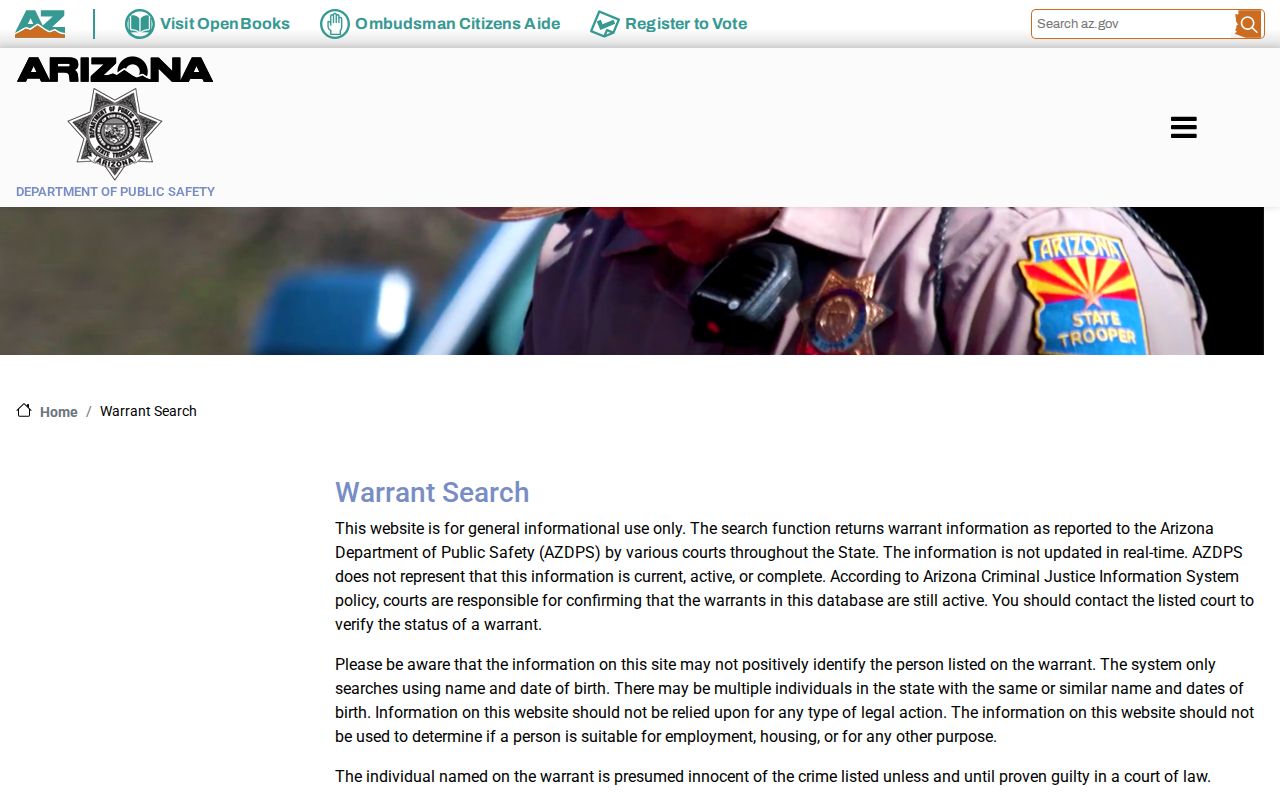
The accompanying disclaimer makes court confirmation part of the search, not an optional extra.
Warrant Search Fields Explained
Public Access offers two modes. Search by Name requires a Last/Business Name, while First Name, birth-date selectors, and the Court dropdown stay optional. Search by Case Number pairs the case reference with a court choice. A captcha is required. The vehicle-registration-hold checkbox concerns traffic collections, not Pima County warrants.
| Field | Best use | Reading caution |
|---|---|---|
| Last/Business Name | Broad party search | Common names may produce several cases |
| First Name and DOB | Narrowing likely matches | Still not positive identity |
| Court | Limit to known jurisdiction | Unavailable courts may not appear |
| Case Number | Direct file search | Use the exact court format |
Most, not all. Public Access covers most Arizona courts, and nothing in it is the official record for a Pima County case.
Pima County Pretrial Phone Check
Pima Pretrial Services is the best human fallback when a Pima County warrant lookup leaves no single clear court. Staff will check for one or more warrants and name the jurisdictions. The service is free. The weekday office sits at 150 W Congress Street, first floor; the check line is 520-724-3310. The call bridges systems without replacing the warrant order itself. Keep the question narrow. Ask whether a warrant shows and which court controls it. Then that court handles the motion, appearance, bond, payment, probation contact, or document copy. The Adult Detention Complex answers detention logistics around the clock, but a jail employee cannot quash a court warrant.
Quick answer: When no court is known, call Pretrial Services first, then use the named clerk for the official status and next step.
What a Warrant Search Shows
A search can return plenty. Expect a case number, filed date, court, case status, charge, assigned judge, future date, balance, citation data, and event history. Warrants often appear as an event rather than one current-status field. The newest public event in a Pima County case deserves the closest read.
| Case reference | Routes the inquiry to the correct clerk. |
|---|---|
| Court or precinct | Identifies the authority that controls the warrant. |
| Warrant event | May state ordered, remaining, returned, or quashed. |
| Charge | Explains the case basis but not current status. |
| Bond or balance | Must be verified before payment or appearance. |
| Next date | Shows the case may continue after warrant resolution. |
A placeholder such as PIMA-CASE-REF fits no real Pima County docket, and formats vary by court.
Why Pima County Warrant Searches Disagree
DPS runs on court reports. It is not real time. Public Access updates on its own cycle and skips some courts or case types. eAccess reaches only eligible Superior Court documents and excludes sealed material, while a city court may keep a more direct municipal docket. So one Pima County source can show a warrant event while another shows nothing. Do not average the answers. Pin down the case and ask its court directly. A newer quash can settle an older “warrant ordered” entry, yet a fresh warrant may lag statewide, and juvenile, sealed, mental-health, protection-order, and victim or witness records can stay restricted.
Note: A blank public search means only that the selected interface returned no available record at that time.
Timing is not the only culprit. A city matter may show best in its municipal court tool. A Superior filing may sit in eAccess instead. A Justice Court event belongs to a precinct even when seven precincts share one building. Search with the known case number and court selection, then ask that clerk to read the newest public entry. No broad state result can overrule a later order from the issuing Pima County court.
Where to Check Warrants in Pima County
Start with the right court. Felonies usually belong to Arizona Superior Court in Pima County and its Clerk. Pima Justice Court runs nine precincts; seven share the consolidated courthouse, with Ajo and Green Valley sites apart. Tucson City Court, Marana Municipal Court, Oro Valley Magistrate Court, Sahuarita Municipal Court, and South Tucson City Court handle their own local cases. The Pima Justice Court portal posts case information, copies, payment, motions, and calendars. Tucson adds a Quick Defendant Public Search. Smaller cities lean on a direct call or a motion. The Sheriff’s FAQ sends warrant-status questions to the court of jurisdiction. The Sheriff Records channel shows the separate agency-record path for incident reports.
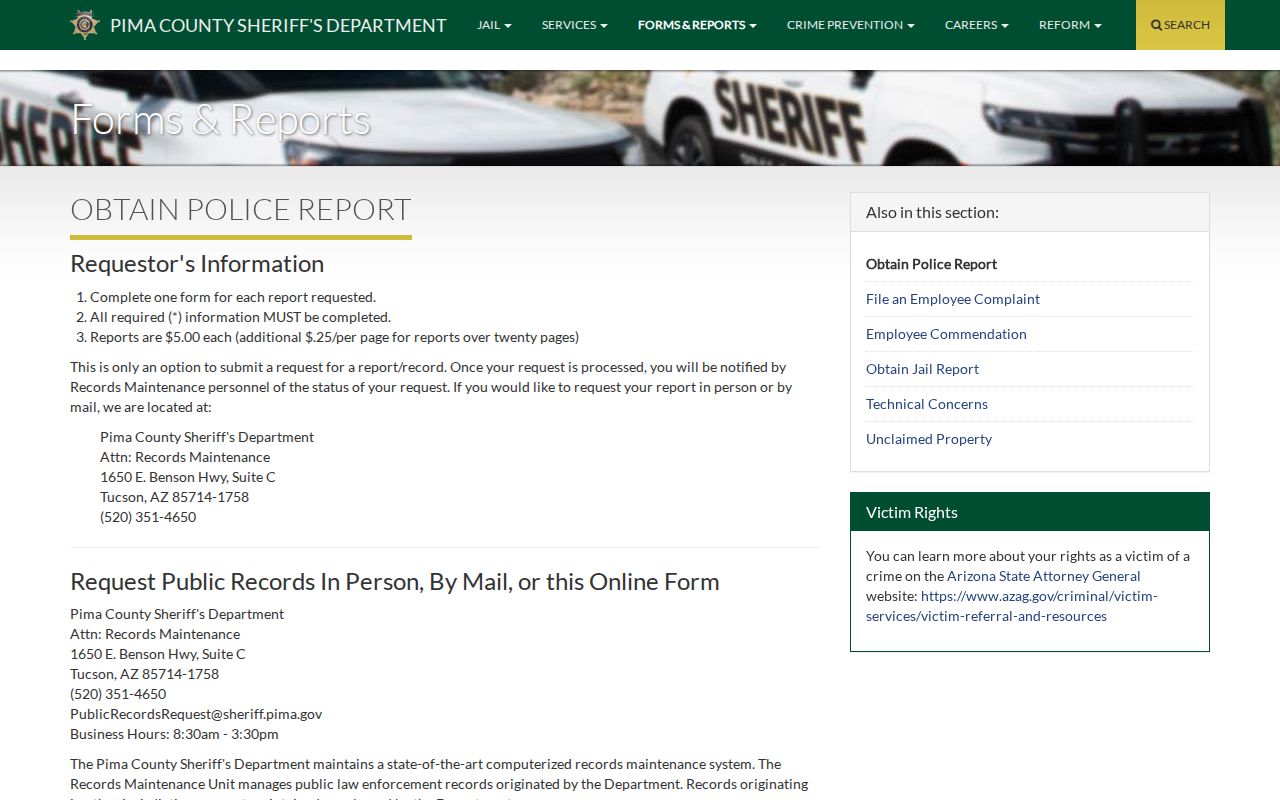
This form is for Sheriff-originated material and is not a complete warrant lookup.
Pima County Warrant Record Requests
Pima County records start with the right office. Ask the issuing court for a warrant order, minute entry, docket event, return, quash or recall order, bond order, or hearing notice. Law enforcement holds its own files. Seek an incident report, arrest report, service record, photos, audio, or body-worn video from the agency that created them. Give the case or incident number too. Sheriff Records Maintenance accepts online, email, mail, pickup, and in-person requests. Some records need authorization first. An open case, a risk of harm, or protected victim data can also justify withholding a Pima County record. Tucson takes court-record requests online or in person; older files run slower and audio carries a fee. eAccess sells eligible Superior Court documents, though the Clerk remains the custodian. The Arizona court warrant explanation distinguishes the core orders.
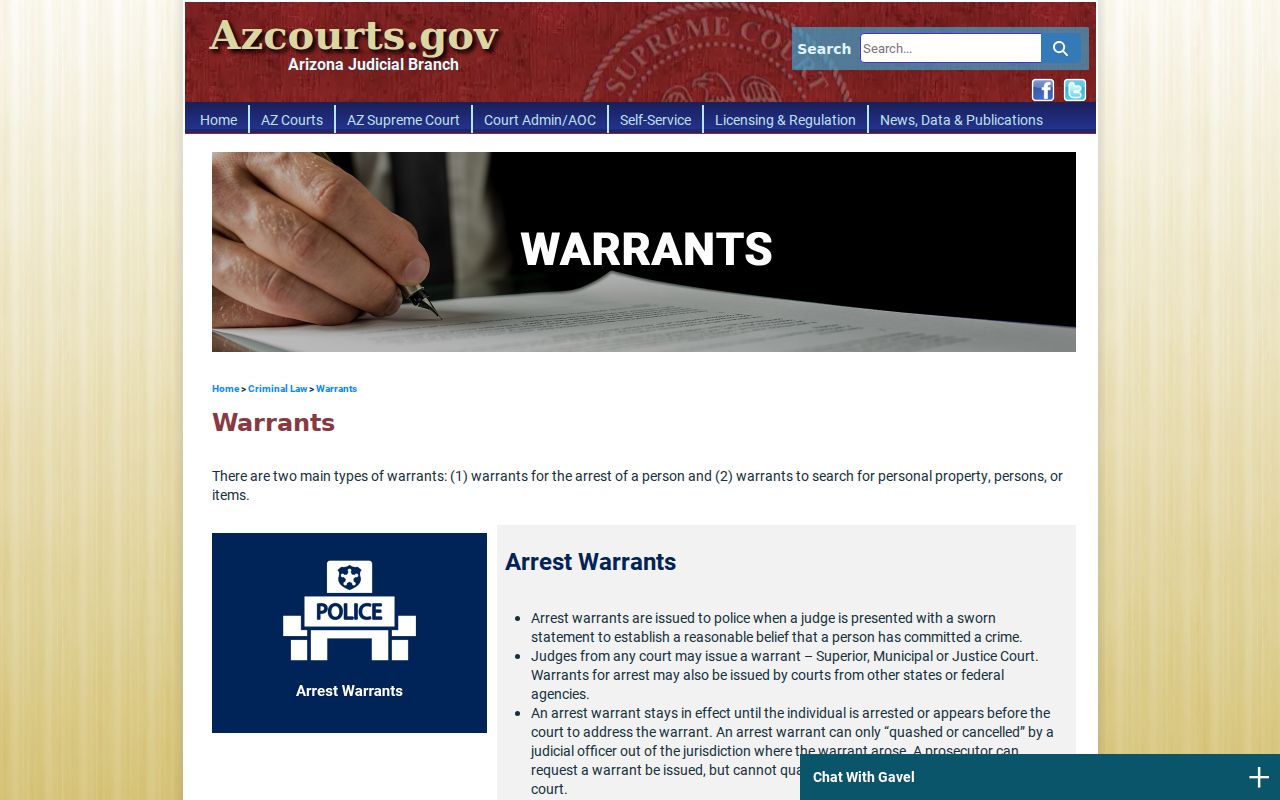
The state definitions let a Pima County requester name the exact warrant record instead of asking vaguely for an undefined background file.
Restricted Warrants and Access Rules
Not everything is open. Arizona Public Access excludes or limits juvenile, sealed, mental-health, probate, protection-order, and victim or witness material, and eAccess likewise skips sealed or restricted documents. Pima County search-warrant records follow a distinct timing rule under ARS § 13-3918. They need not become public until return or voiding, with a good-cause extension possible.
Key rules:
ARS § 39-121 supplies the general inspection principle.
ARS § 39-121.01 governs copy requests and response administration.
ARS § 8-208 controls juvenile-record access limits.
A Pima County clerk can explain lawful access. That authority stops short of disclosing protected matter just because an online search came back empty.
Pima County Warrant Status Codes
Pima County courts may label an event with brief status codes. Read any word within the full event history, and ask the clerk when its effect is unclear.
- Ordered
- The court directed issuance; a later event may change the status.
- Active or outstanding
- The court has not recorded service, quash, recall, or another ending event.
- Returned
- A return was filed after execution, service, or another warrant result.
- Quashed or recalled
- A judicial officer cancelled the warrant, though the case may continue.
- FTA
- Failure to appear at a required setting.
Consult counsel if a lookup shows an active order in your name. Follow the court's instructions. The broader Pima County resolution overview explains why a future hearing still matters. Write down who confirmed the status, the call date, and the exact next action. Want proof? Request the minute entry or the quash order. A verbal answer points the way, but the filed record gives the lasting account of what the judge ordered. Check the date and venue. Skipping the next required Pima County hearing can spawn a new warrant even after the first is resolved.